

|
|
|
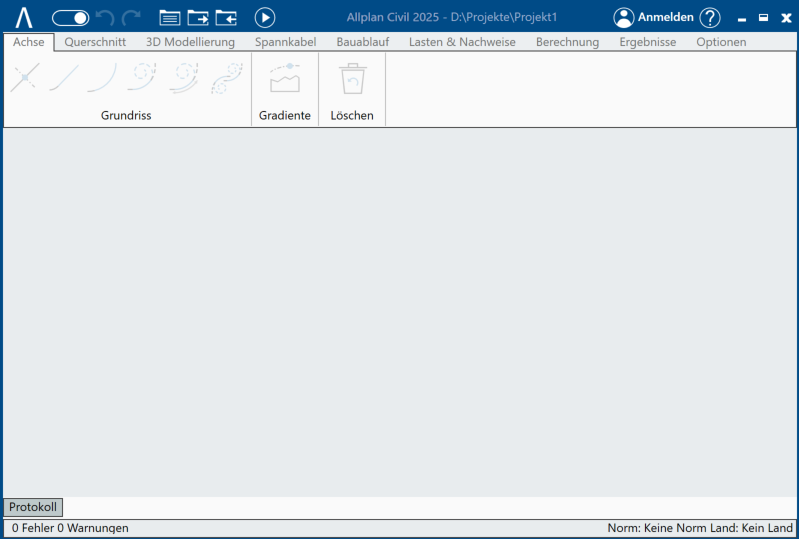
The working area is the part of ALLPLAN Civil’s application window, where you can place the ALLPLAN Civil controls docked to the application window.
This illustration shows ALLPLAN Civil’s application window after you have floated all controls. All that is left is the empty working area (gray area):
In this way you can place floated controls of ALLPLAN Civil even outside the working area, especially on a second screen.
You have the following options to arrange the ALLPLAN Civil controls in the working area:
|
(C) ALLPLAN GmbH |
Privacy policy |
