

|
|
|
The new  Loft tool replaces
  Ruled Solid.
Using Loft, you join two or more open or closed planar profiles to form a single solid or surface. It is not necessary that the profiles have the same number of points or corners. Lines connecting the profiles are not required.
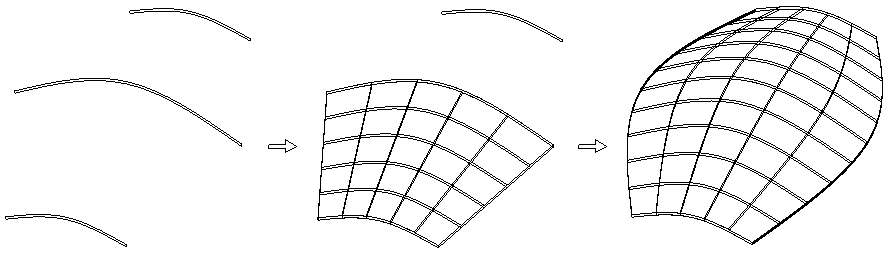
Note: If one of the profiles is not closed, you can create only surfaces. If you use a closed profile, you can choose to create an open solid or a closed solid.
Note: The profiles must be planar, but they do not have to be in parallel planes.
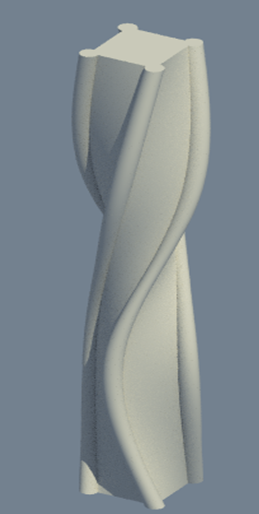
Note: Allplan connects the start points of the profiles. The other points follow in the sequence in which you entered them. This allows you to model twisted solids. If you want to avoid this, make sure the start points are more or less on top of one another and you enter the profiles in the same direction. You can even turn profiles later. If you cannot avoid turned or intersected solids,  Sweep Path may produce better results.
| (C) Allplan GmbH | Privacy policy |
