

|
|
|
 Tool(s): Label Triangles, Contours, Points
You can use this tool to label the grid points and elevation points in a DTM.
To label the points in a DTM
 Label Triangles, Contours, Points (How).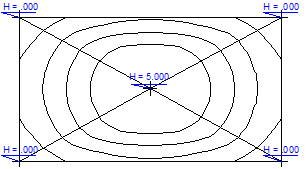
Note: The settings made in  Terrain Point are used for the label.
| (C) ALLPLAN GmbH | Datenschutzbestimmungen |

 Tarea
Tarea