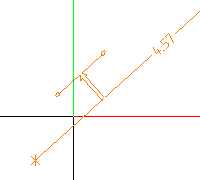
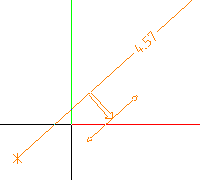
Block dimension line
 Grupo de herramientas Dimension
You can use this tool to create contiguous dimension lines in block form.
To create block-format dimension lines (that is, one below the other)
- Click
 Block Dim. Line (How).
 - If you want, you can now modify the dimension line's parameters.
Use the on the context toolbar. - Select the Associative option on the context toolbar to create associative dimension lines. When you use associative dimension lines, you can dimension genuine points only.
- Define the .
- Enter the starting point for the dimension line.
- Click the points you want to dimension one after the other.
Tip: To ensure exact dimensions, click genuine points only. You cannot hear an acoustic signal when you click a genuine point.
- With the second (or later) point to be dimensioned, you can dimension the height of an opening or component for the dimension line section you entered last.
- Select the Esc key to finish entering the dimension line.
Example


 Tarea
Tarea