

|
|
|
You can now use the options provided by Direct Object Modification to edit 3D elements as you wold any other element or component: just select the element and use the handles and the data entry boxes to modify it. Some edit tools also provide handles for some settings, allowing you to intuitively adjust the radius of curves, for example.
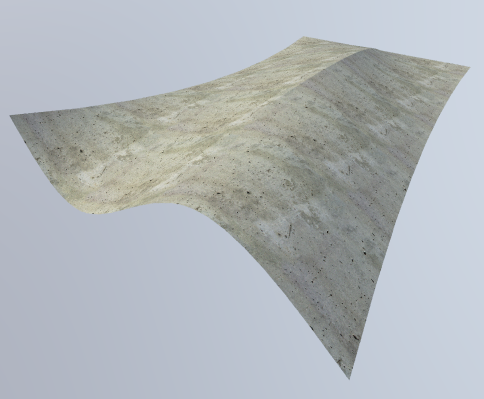
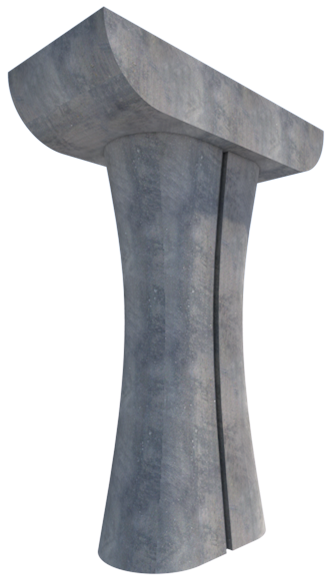
3D elements in the properties palette
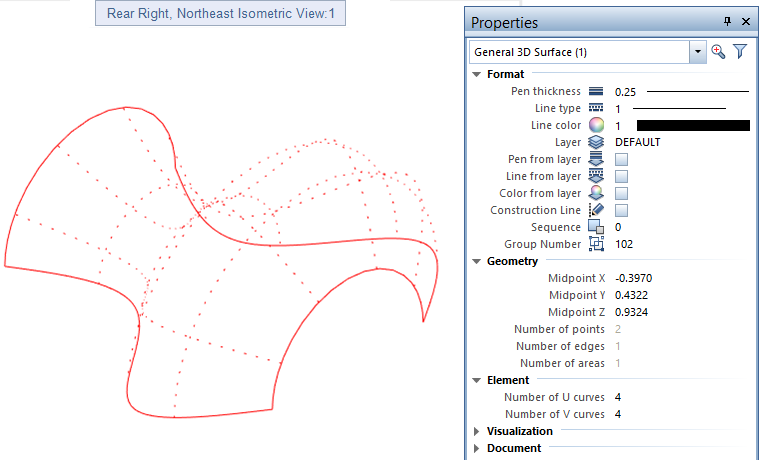
Using the Properties palette, you can now change the Format properties for one or more 3D elements. In addition, you can change the visualization settings, such as Surface and Mapping. For general 3D elements, you can control the type and number of isocurves (U-curves and V-curves).
| (C) Allplan GmbH | Privacy policy |
