

|
|
|
When modeling SmartParts using the  Window SmartPart and
  Door SmartPart tools (Basic: Walls, Openings, Components module - Create area), you can select surface elements for displaying the SmartParts in 2D and 3D. You can assign a Hatching style, a Pattern, a Fill or a Style area to the surfaces.
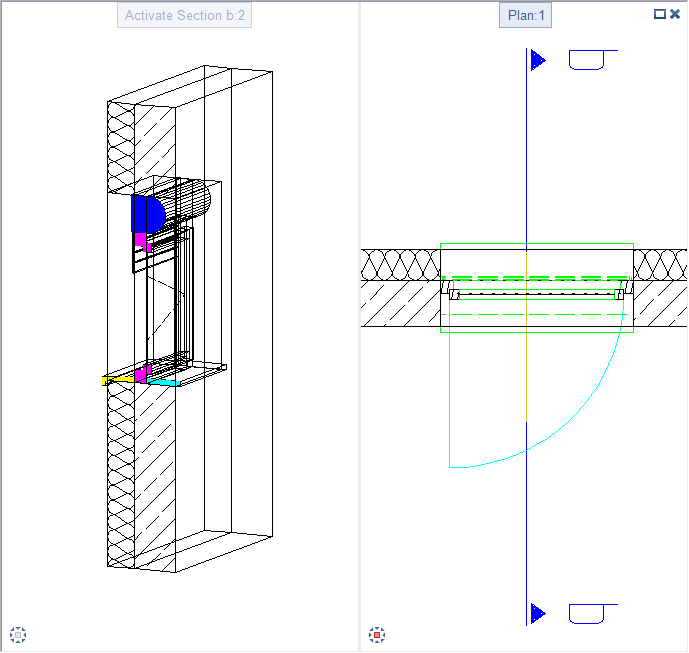
Here is an example of a window SmartPart with integrated roller shutters and window sills:
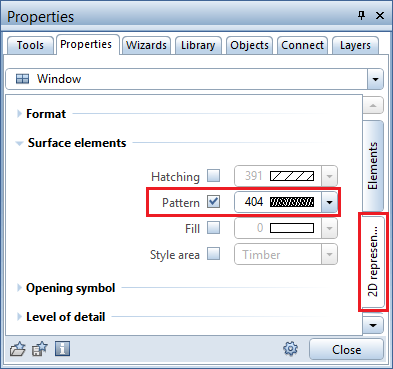
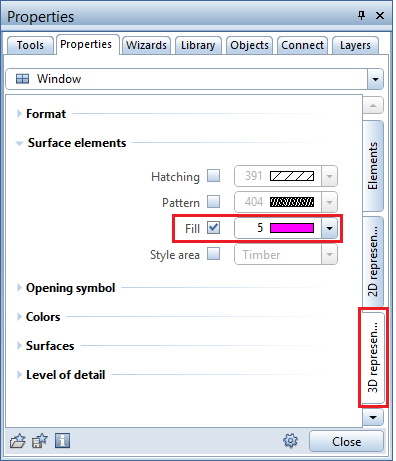
Settings for the Surface elements on the 2D representation and 3D representation tabs in the palette of the window SmartPart:
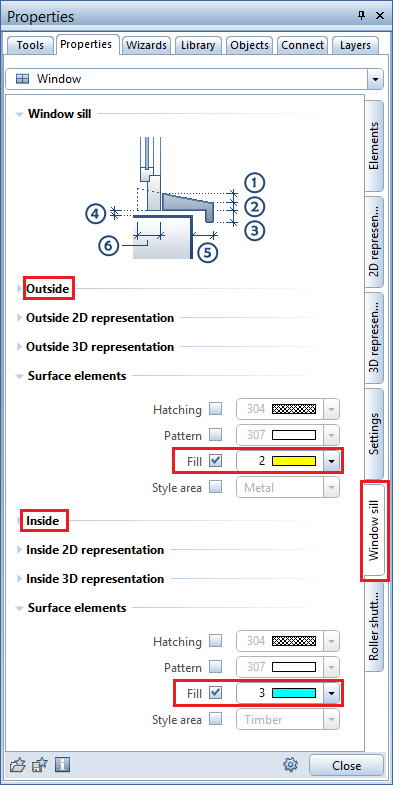
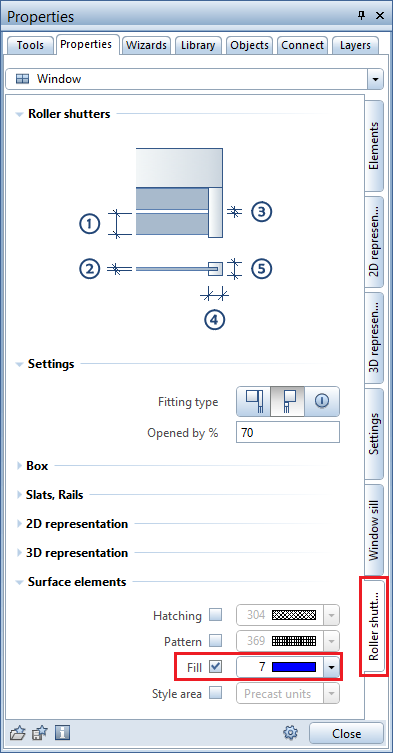
Settings for the surface elements of the integrated window sills and roller shutters:
The result looks like this:
| (C) Allplan GmbH | Privacy policy |
