

|
|
|
The  Extrude Along Path tool replaces
  Polyline Sweep Solid.
Using Extrude Along Path, you create solids or surfaces by extruding an open or closed profile along a path.
The profile may have gaps. Allplan displays a preview of the extruded element, presenting several options for turning the element along the path.
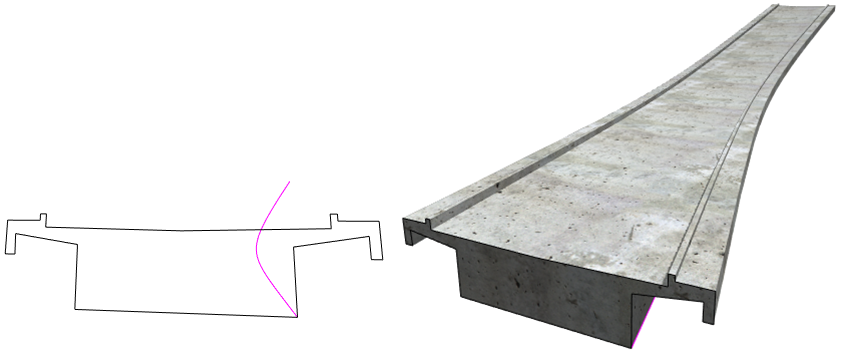
Note: The profile must be planar and continuous. It must not intersect. It can be open or closed. If the profile consists of several elements you cannot select with one click, you can use the  Brackets.
Note: The path must be planar and continuous. It must not intersect. You can even use a path that does not touch the profile. In this case, select the start point and the end point of the path and move it to the profile.
| (C) Allplan GmbH | Privacy policy |
