

|
|
|
You edit your model in viewports. Here, you create or modify the design entities you need. While doing so, you identity distinctive points and set the view type and view appropriate to the current status of your work.
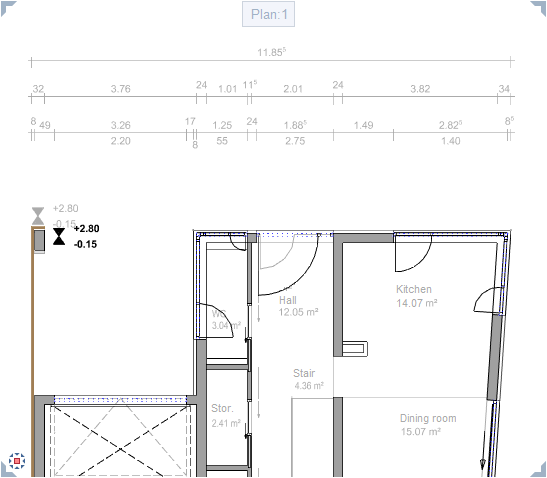
To maximize the workspace, you can now disconnect all viewports from the Allplan application window, thus floating them freely. As a result, the Allplan application window and the free-floating viewports behave as if they were independent Windows applications (except when you exit Allplan).
For example, if you have a second monitor, you can leave the Allplan application window on one monitor, using it as a "toolbox", while editing your model in the independent viewports you place on the second monitor.
What do you want to do?
Dock viewports to the Allplan application window
Place viewports in front of or behind the Allplan application window
| (C) Allplan GmbH | Privacy policy |
