

|
|
|
You can save frequently used text or values in dialog boxes (drop-down lists) and retrieve these whenever they are needed. For example, you can enter and save different wall thickness in the Thickness dialog box or different materials in the Material dialog box.
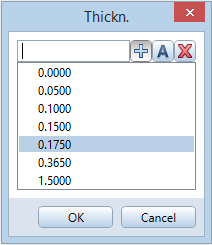
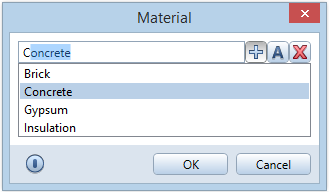
Click  to add new values or text.
Click  to find entries or to enter a value or text that is not saved in the dialog box.
Click  to remove values. You can only delete values you defined yourself.
| (C) Allplan GmbH | Privacy policy |
