Conversion (overview)
This section shows how to convert data. As an example, you will import data.
To convert files
- Click
 Import to start the import.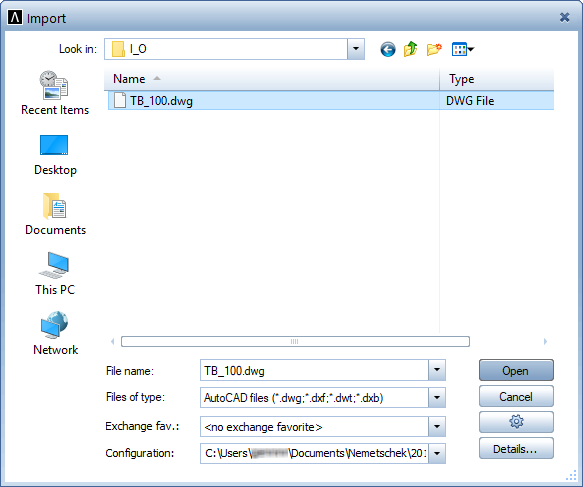
- Specify the file type and folder with the files you want to convert in the Import dialog box.
- Click Open.
Allplan starts the automatic assignment.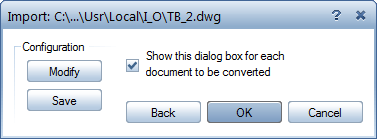
- Start the conversion by clicking OK.
Note: Click Modify if you want to check or modify assignments. - Finally, check the log file.


