

|
|
|
 Door Opening tool
When you enter door openings, the program assigns the door swing attribute automatically as soon as you place the symbol. In addition, the program updates this attribute when you modify the door swing.
The door swing attribute is in compliance with DIN. You can use the DIN R/L label style to label the door swing.
To create DIN-compliant door labels
 Label (How).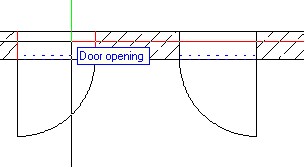
 Label Style.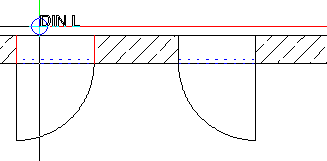
|
(C) ALLPLAN GmbH |
Privacy policy |


