|
|
|
Each project member who is to work on an Allplan Share project must have an Allplan Share license. This can be the project member’s own license or a team license assigned to this project member.
As team owner or team administrator, you manage the Allplan Share licenses available for the Bimplus team in the Allplan Shop, which you can access either via the web portal  BIMPLUS or directly.
To assign an Allplan Share license to a team member
BIMPLUS web portal and click  Team members on the navigation menu.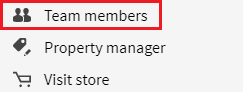
Tip: If the navigation menu is not visible, click  Show navigation menu on the title bar of the BIMPLUS web portal.
This opens the Allplan Shop; you can see the Subscriptions & users section.
Or:
Open the Allplan Shop directly and click Subscriptions & users on the User menu.
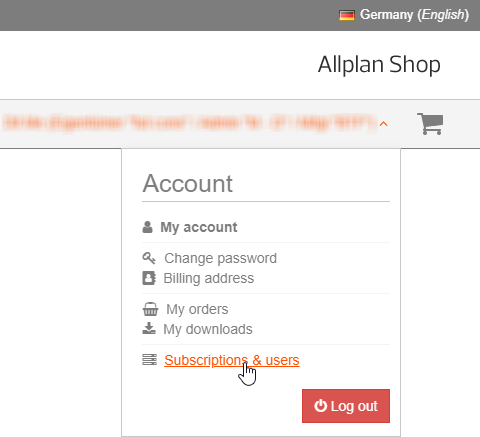
The Subscriptions & users section opens.
If the list does not include the required person, click Invite user to Bimplus team.

Important: Do not assign the role of team administrator to a new team member unless this is absolutely necessary because this role has more rights than the role of project administrator. You can create project administrators in the user management of the Bimplus project.
You can find the new member in the member list of the team as soon as this person has accepted the invitation.
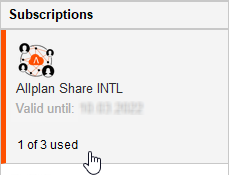
To do this, select the check box in the Ass. column for the respective team member. . Clear the check box to remove a license assigned.

|
(C) ALLPLAN GmbH |
Privacy policy |