|
|
|
You can define projects in a country-specific manner. This means that a project gets the resources (for example, hatching, patterns, layers) and reinforcement settings of a specific country. Depending on your license, you can install one or more additional country packages. For example, you can then create a project with resources and settings for Germany and another one with resources and settings for the UK.
General information on country packages
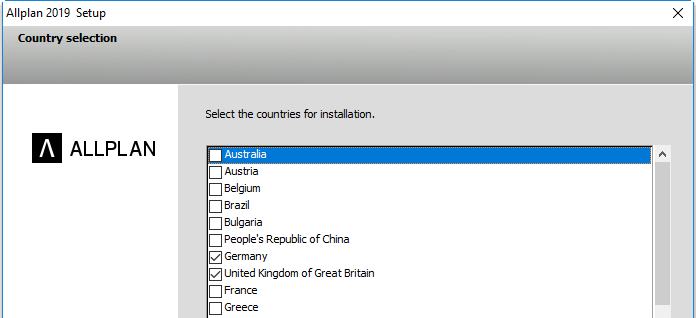
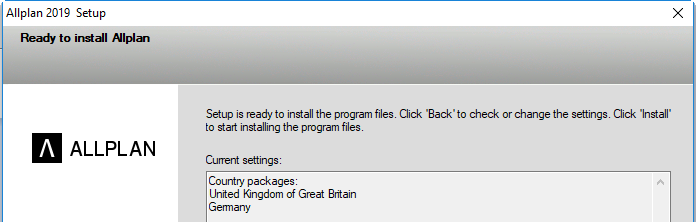
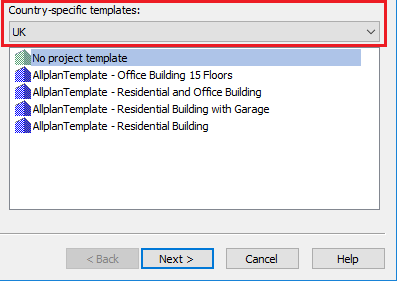
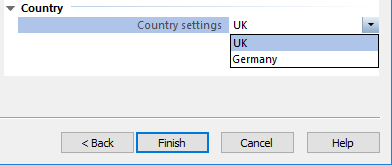

 Options are project-specific settings, which are preset depending on the country set.
 in the license settings to see which countries are supported by your license.
Folder structure of country packages
There is a default country. This is usually the country that is entered in your license. You can find the data for this default country in the STD and ETC folders. For each additional country package installed, you can find the data in the STD.??? folder and ETC.??? folder (??? stands for the country code). For example, when you install the Switzerland country package in addition, you can find the data in the STD.SWI and ETC.SWI folders. The office path and default path are always based on the country set for the project that is currently open. That is to say, when you open a project and save a favorite or library element in the office path or default path, these elements will only be available in projects with the same country settings. ProjectPilot is an exception; here, the office path and default path are always the STD and ETC folders respectively.
Licensing country packages
Cubed and Exponential license types: You can select as many country packages as you need; you can create and open projects with any country code.
Lineared and Squared license types: You can only select one country package at any one time. You can only create and open projects with this country code.
Installing country packages
When installing Allplan 2025 for the first time or upgrading from Allplan 2018 or earlier, you must explicitly install the additional country packages. When doing a custom installation, you can select the country packages you want to install. When doing a default installation, Setup only installs the country packages that have already been available. This means that Setup will not install any additional country packages when you install Allplan 2019 for the first time.
|
(C) ALLPLAN GmbH |
Privacy policy |