|
|
|
 Options - overview (Options - overview, Configurations) Saving, retrieving, and resetting options
You can make general settings for the tools in the Acotación task area.
Modification
Representation
Tilting tolerance for dimension figures and text in degrees
Projection for reference line dimensioning
Radius dimensioning
Arrow length: Arrow starting at center of circle
Associativity
Consider floor surfaces of rooms when calculating the sill height
Blanking
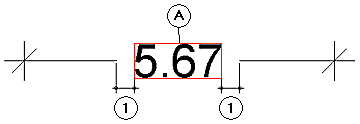
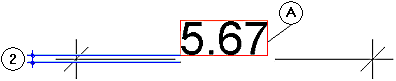
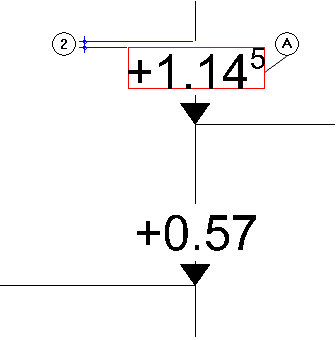
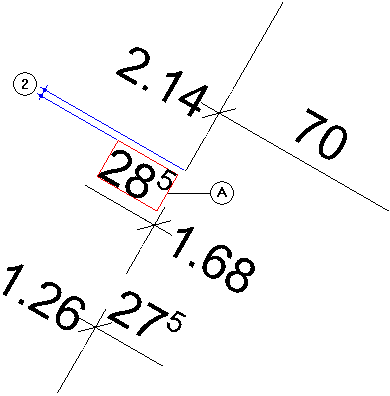
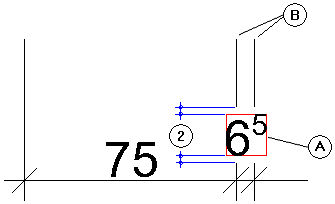
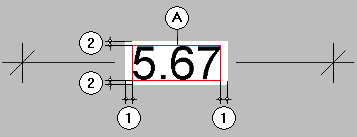
Blanking for dimension lines - horizontal
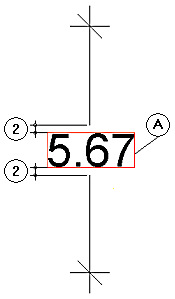
Blanking for dimension lines - vertical
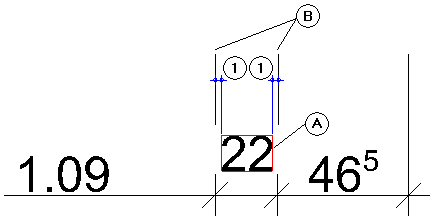
Blanking for extension lines - horizontal
Blanking for extension lines - vertical
Projection of fill - horizontal
Note: In conjunction with blanking for dimension lines, the terms horizontal and vertical refer to the dimension text. Horizontal means in the writing direction of the dimension text; vertical means in the direction of the text height. This also applies to vertical dimension lines and dimension lines created at an angle.
|
(C) Allplan GmbH |
Política de privacidad |
 How to open the dialog box