|
|
|
Allplan 2022 offers a product for architects and engineers in which much of the preliminary work is already done. To prepare plans and animations in an appealing way, you can access the so-called Layout Content. Layout content offers a wide range of options - from symbols and symbol catalogs of any kind to textures and smart symbols to SmartParts.
To make the search particularly fast and efficient, all content is available on the Internet and in varying volumes: From basic offerings to exclusive Serviceplus content. Architects and engineers can look for predefined, building-specific online data and information, download and install it.
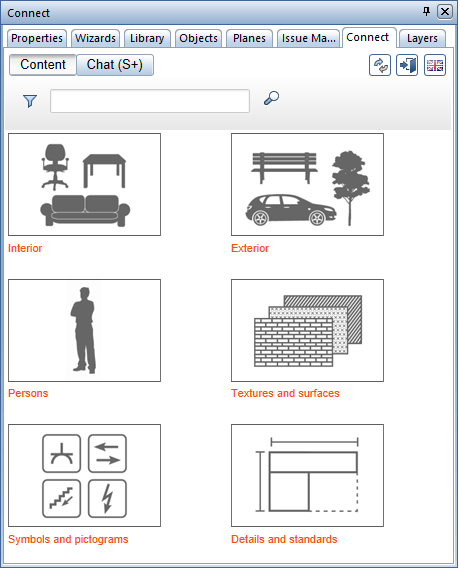
In the Connect palette or with  Connect (online library) in the Library palette, you can log in directly to Allplan Connect and use its extensive content offering. You can download and install content or simply drag individual objects into the workspace.
How to import
Allplan Connect provide information on how to import Content data. Select the links for more information.
|
(C) ALLPLAN GmbH |
Privacy policy |