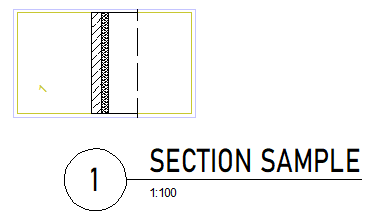
Displaying sections based on the US standard
- You can select the standard and enter the parameters by means of Representation - Set.
- Switch to the US standard in the Style area at the top of the palette; enter the fileset number (text) in the box below.
- Go to the Direction symbol area and define the direction symbol side (to the left or right of the section direction) and size of the direction symbol.
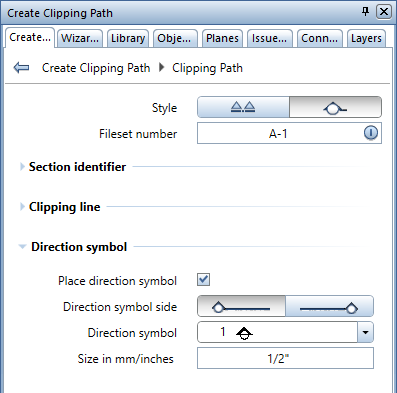
- Enter the clipping path as usual. Select Esc to place the new direction symbol and define the section depth.
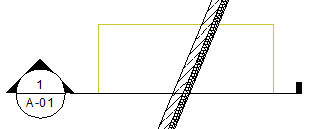
- When you place the section, Allplan automatically labels it based on the US standard. Define the contents of the label in the palette as usual.