|
|
|
In Allplan you can now define custom attributes with formulas that return the attribute values.
To create these formula attributes, use the  Assign Attributes or
  Modify Attributes tool. Open the Attribute Selection dialog box and click Define new attribute.
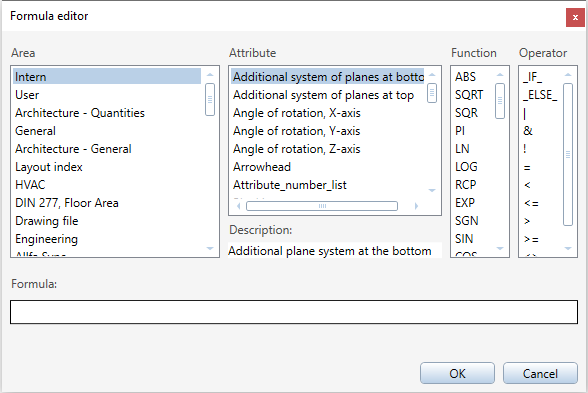
 to open the Formula editor and enter the formula; the
  symbol indicates a syntax error. Define the formula as you would define a formula for a label style.
Formula editor
The Formula editor provides you with everything you need to to define formulas. So, you can enter formulas and formula attributes quickly and easily.
Properties palette
Formula attributes are represented by in the Properties palette. A red exclamation point in the symbol indicates that the formula cannot be computed:
|
(C) ALLPLAN GmbH |
Privacy policy |