|
|
|
Actionbar Configurator
The Actionbar Configuration dialog box - Configure tab lists all tools. To open this dialog box, select the  Actionbar Configurator tool on the right side of the Actionbar. Tools that are not available in your current Allplan version have semitransparent symbols. If roles contain such tools, you can see the following ToolTip: tool name (no license). These tools are not visible on the Actionbar.
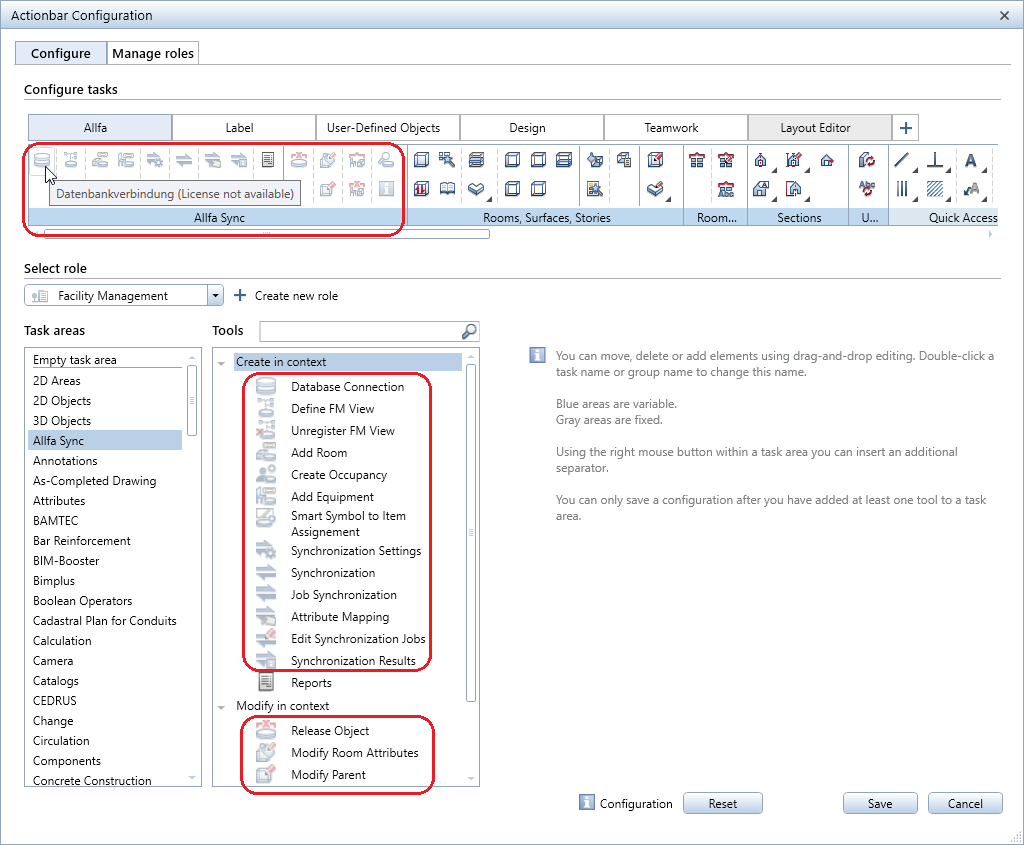
If entire tasks are not included in your license package, these tasks are gray in Actionbar Configurator and you can see the following ToolTip: task name (no license). These tasks are not visible on the Actionbar.
Shortcut Configurator
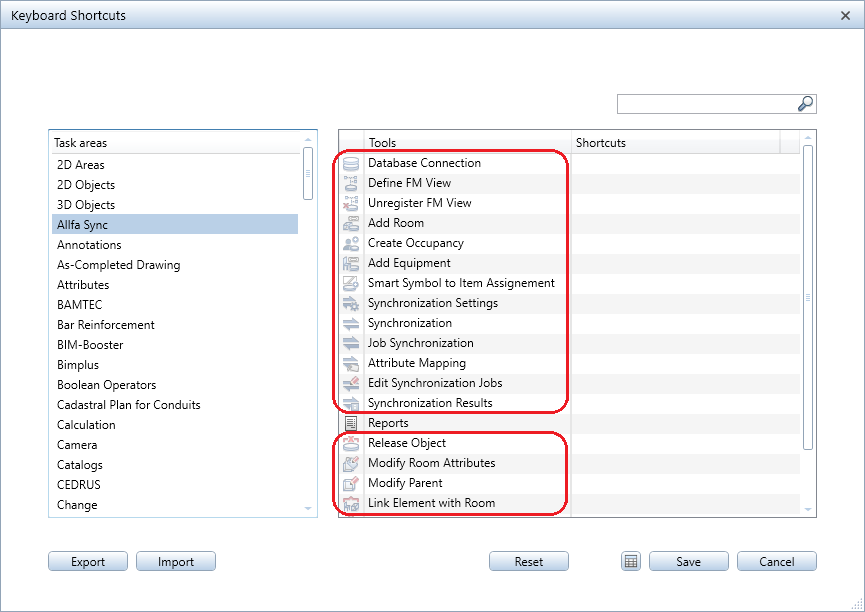
Shortcut Configurator shows all tools of all task areas, including tools that are not activated in your current Allplan version. To open Shortcut Configurator, select the  Shortcuts tool in the
  Default Settings drop-down list on the Quick Access Toolbar. Inactive tools have semitransparent symbols.
|
(C) ALLPLAN GmbH |
Privacy policy |