Selecting and placing SmartParts
You can select SmartParts in one of the following ways:
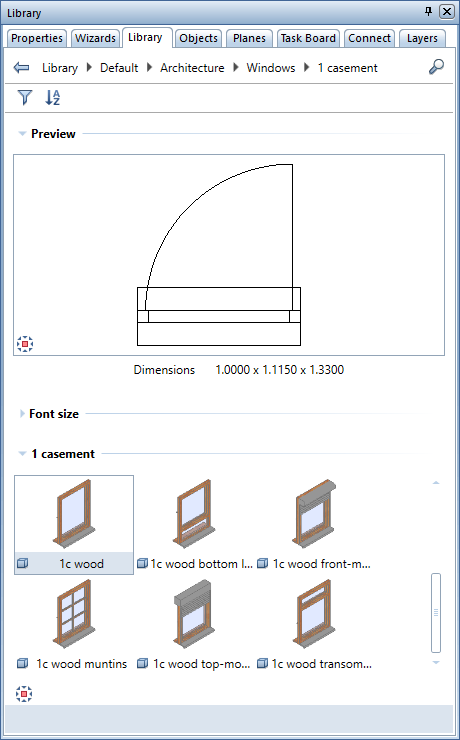
- Open the SmartParts library in the Library palette. Select one of the Allplan SmartParts and place it in the workspace.
- Click
 Insert SmartPart, select an existing SmartPart file in SMT format and place the SmartPart in the workspace.
 - Download a SmartPart from Allplan Connect's Content area. Save the SmartPart and place it in the workspace by using drag-and-drop editing.