|
|
|
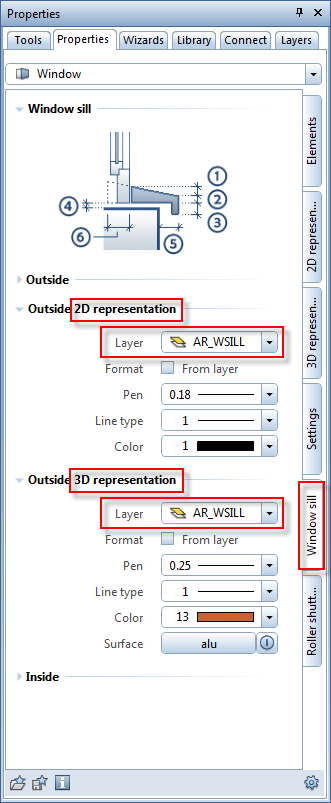
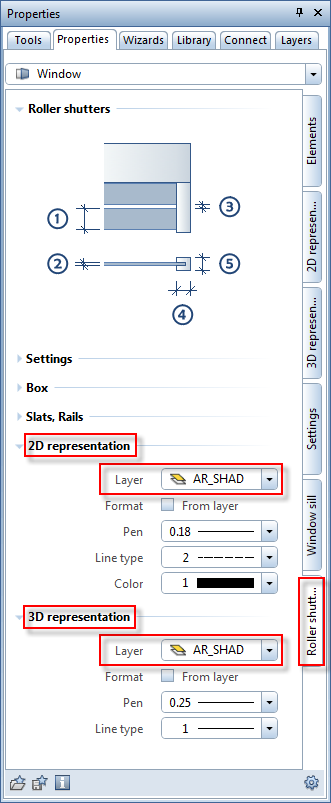
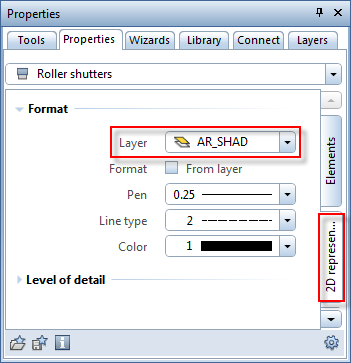
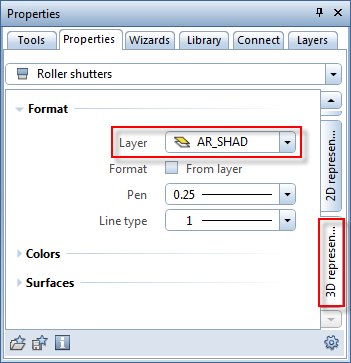
You can now assign different layers for displaying SmartParts for roller shutters and window sills in 2D and 3D.
You can do this when you create window sills and roller shutters integrated in window SmartParts: select the  Window SmartPart tool and the Window sill and Roller shutters tabs.
|
|
|
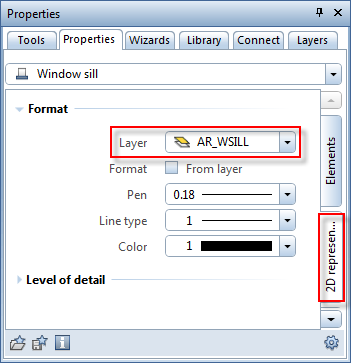
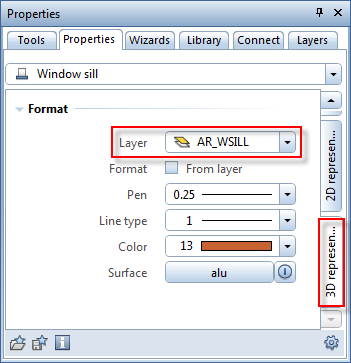
In addition, you can assign different layers when you create separate SmartParts for window sills and roller shutters.
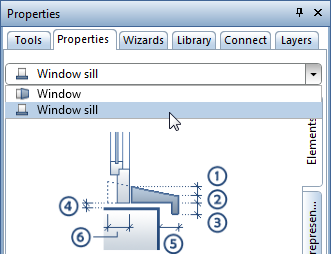
In order to create a separate window sill SmartPart, select the Window SmartPart tool and choose window sill in the list box at the top of the palette.
|
|
|
In order to create separate SmartParts for roller shutters, use the  Shading SmartPart tool. Here, too, you can assign different layers for displaying the SmartPart in 2D and 3D.
|
|
|
The default settings are the following layers:
| (C) Allplan GmbH | Privacy policy |