

|
|
|
The handles assume different colors depending on the current situation. You can specify these colors using the  Options - Desktop environment - Direct object modification - Handles.
Tip: You can also define the transparency of handles there.
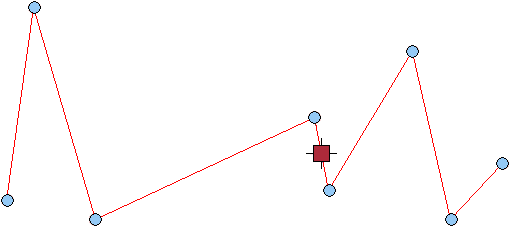
Available handles:
All handles you can use with the selected elements are displayed in the color you have specified for the default color.
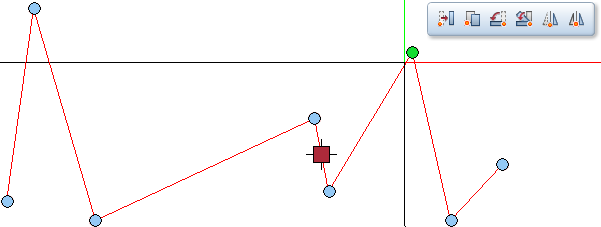
Handle within snap radius:
If the crosshairs are within the snap radius of a handle, the color of this handle changes to the color you have specified for the selection preview color. Click the left mouse button to select this handle; the editing option that is subsequently available to you depends on the handle type (see "Types of handles").
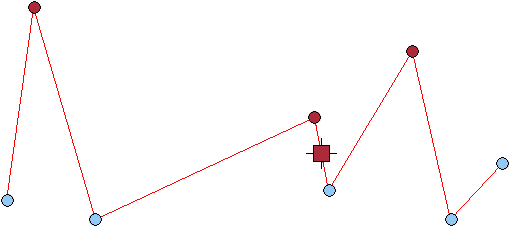
Selected handles:
If you select several handles by clicking them while pressing and holding down the CTRL key, these handles assume the color you have specified for the selection color.
| (C) Allplan GmbH | Privacy policy |
